
Inside Hardware Installation Services and Why They Matter
Learn what to expect from hardware installation services in Daytona Beach, from planning and setup to testing, security, and support.
Published on
When businesses think about new technology, they often focus on the equipment itself, laptops, desktops, printers, servers, firewalls, wireless access points, and phones. What gets less attention is the installation process that makes all of that equipment reliable, secure, and ready for daily work.
That is where professional hardware installation services come in. For businesses in Daytona Beach, proper setup can make the difference between a smooth rollout and weeks of frustrating issues. Whether you are opening a new office, replacing aging devices, or expanding to support more staff, a thoughtful installation process helps protect your investment and reduces downtime.
More than plugging in new equipment
Hardware installation is not just unboxing devices and connecting cables. A good installation starts with understanding how your business operates. A front desk computer has different needs than a design workstation. A retail printer setup is different from what a medical office or law firm may require. The right approach depends on how people actually use the technology every day.
Professional installation typically includes planning for device placement, power needs, network connectivity, user access, security settings, software compatibility, and testing. It also means looking for potential trouble spots before they cause problems, such as weak Wi-Fi coverage, overloaded power circuits, or devices that do not communicate properly with existing systems.
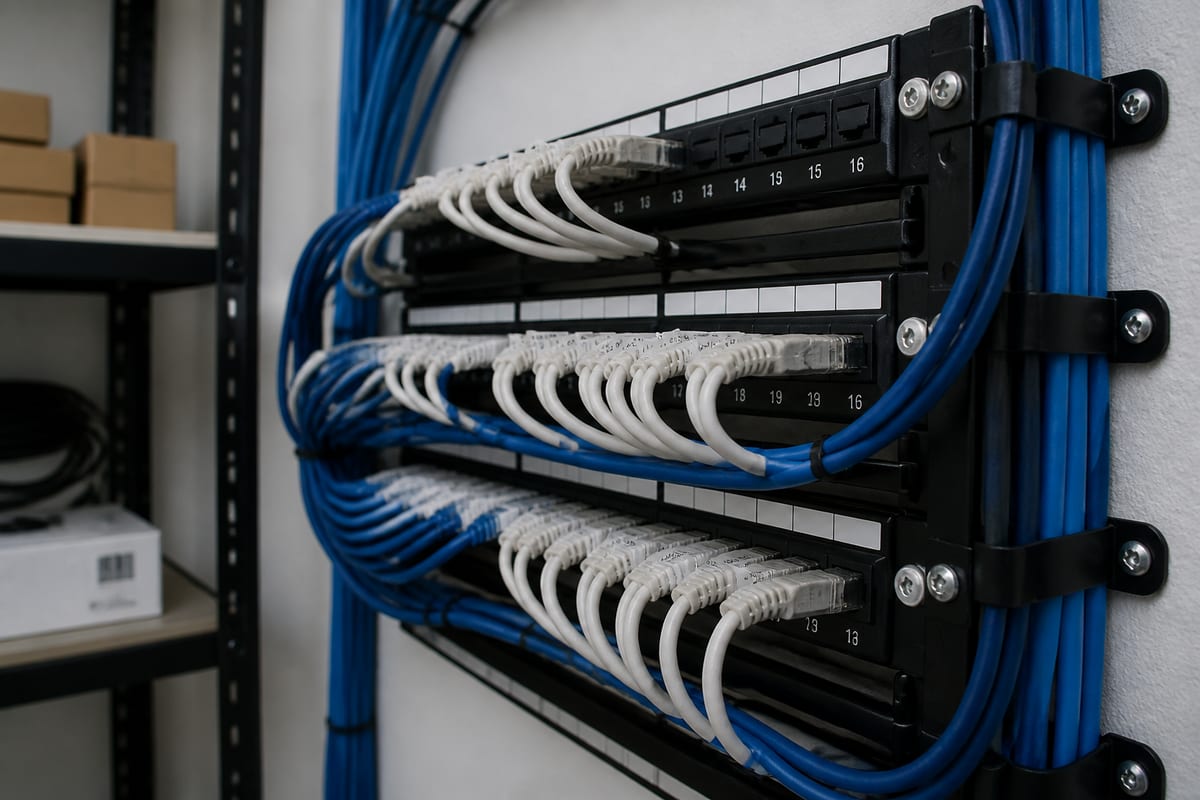
For many businesses in Daytona Beach, local conditions matter too. Coastal humidity, storm season, and power fluctuations can all affect hardware performance over time. Installing equipment in the right environment, with proper surge protection and sensible cable management, can help avoid preventable failures.
What businesses usually need installed
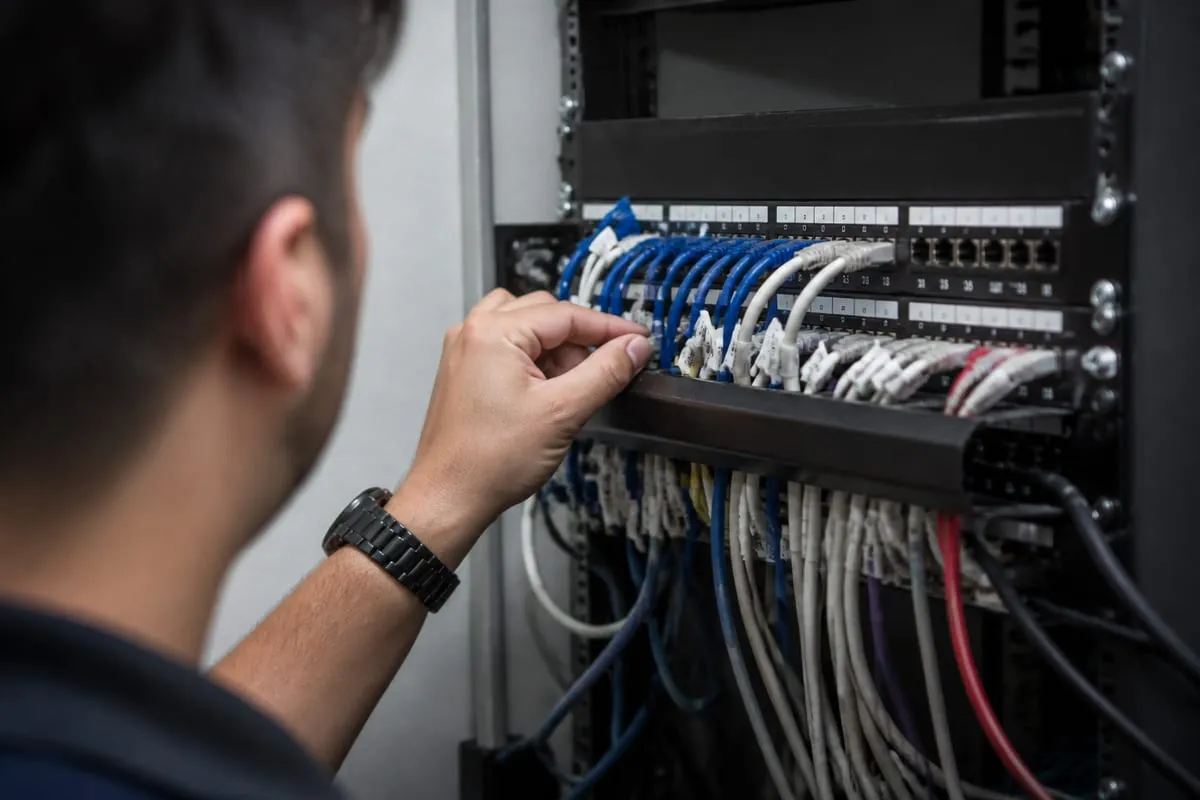
The exact mix of hardware depends on the organization, but most projects fall into a few common categories:
- Desktop computers and laptops
- Monitors, docking stations, keyboards, and other workstation accessories
- Printers, scanners, and label printers
- Servers, network attached storage, and backup devices
- Firewalls, switches, and wireless access points
- VoIP phones and conference room equipment
- Point-of-sale systems and receipt printers
- Security cameras and related networking hardware
In many cases, installation also includes connecting new hardware to existing systems, moving data, applying updates, and confirming that each device works with the software your team depends on.
A smoother rollout starts with planning
One of the biggest benefits of working with an experienced IT partner is planning. Before any equipment is installed, it helps to answer a few practical questions:
- What problem is this hardware meant to solve?
- Will it work with your current network and software?
- Who will use it, and what access do they need?
- Is there enough power, space, and ventilation?
- What is the backup plan if installation takes longer than expected?
These details can sound small, but they have a big impact. A poorly placed wireless access point can create dead zones. An underpowered workstation can slow down a team member who runs demanding applications. A printer installed without the right permissions can become a daily source of support tickets.
Good planning also helps businesses avoid buying equipment that is not a good fit. Sometimes the best installation project starts with a conversation about standardizing devices, replacing only what is necessary, and keeping future growth in mind.
Why proper setup affects security too
Every new device added to your environment is also a security decision. A workstation that ships with default settings, a firewall installed without careful configuration, or a printer left exposed on the network can create unnecessary risk.
Professional installation should include basic hardening steps such as applying firmware updates, changing default credentials, configuring secure access, and checking how the device fits into your broader network. If your business handles regulated data, installation may also need to support audit trails, access controls, and documentation. In those cases, it can help to align setup decisions with compliance support services.
Security is especially important during transitions, such as replacing old computers or moving to new network equipment. Retired devices should be handled carefully, with data removal and disposal procedures that protect sensitive information.
The value of testing before your team logs in
A hardware installation is not finished when the device powers on. It is finished when people can use it confidently.
That means testing the full workflow. Can staff log in without issues? Can they reach shared files and business applications? Does the printer map correctly? Are conference room devices working for remote meetings? Is Wi-Fi coverage strong where people actually sit and work?
This final validation step often reveals issues that are easy to miss during installation. Catching them early keeps small problems from turning into interruptions during a busy workday. Ongoing visibility after deployment can also help, which is why many businesses pair installations with IT Monitoring Services.
Daytona Beach projects often benefit from local support
There is real value in working with a team that understands the pace and needs of businesses in Daytona Beach. Some organizations need installations completed after hours to avoid disrupting customers. Others need help coordinating equipment across multiple rooms, departments, or nearby locations. A local team can also respond more quickly if something needs to be adjusted after the initial setup.
That local familiarity matters when timing is tight. Office moves, seasonal staffing changes, and storm preparation can all affect installation schedules. Businesses in Daytona Beach often need practical guidance, not just technical instructions, especially when hardware projects overlap with day-to-day operations.
When it makes sense to bring in professionals
Some installations are simple enough to handle in-house. Others are worth outsourcing because the cost of mistakes is higher than the cost of getting help.
You may want professional installation if:
- You are setting up multiple devices at once
- Your equipment needs to connect to an existing business network
- You are installing servers, firewalls, switches, or wireless infrastructure
- Downtime would disrupt customer service or employee productivity
- Your business has security or compliance requirements
- You are moving offices or redesigning workspaces
- You want the installation documented for future support
Professional help is also useful when your team is already stretched thin. Even if someone on staff is comfortable with technology, that does not always mean they have time to manage procurement, setup, cable organization, testing, and troubleshooting.
Installation today, recovery tomorrow
One overlooked part of hardware installation is planning for what happens if something fails. New devices should fit into your backup and recovery strategy from day one. That includes making sure important systems are protected, data is backed up properly, and replacement plans are realistic.
If your project involves servers, storage devices, or critical workstations, it is smart to review how those systems connect to backup and disaster recovery planning. Installation is the right time to close gaps before they become urgent problems.
Questions worth asking before you schedule service
Before choosing a provider, ask a few practical questions:
- Will they assess your current environment before installation?
- Do they handle both setup and post-installation testing?
- Can they help with device standardization and recommendations?
- Will they document passwords, configurations, and network changes?
- Do they offer support if issues appear after the install?
- Can they coordinate around your business hours?
Clear answers to these questions usually tell you a lot about how organized and reliable the service will be.
FAQ
How long does a typical hardware installation take?
It depends on the scope. A single workstation may take a short visit, while a full office rollout with networking equipment can take a day or more. Planning, software setup, and testing often take longer than the physical installation itself.
Can new hardware be installed without interrupting business?
Often, yes. Many installations can be scheduled before opening, after hours, or in phases so your team can keep working. The best approach depends on how critical the equipment is to daily operations.
Do hardware installation services include removing old equipment?
They can, but it is worth confirming in advance. Old devices may need data migration, secure wiping, recycling, or disposal, especially if they stored sensitive business information.
Should small businesses hire professionals for hardware setup?
In many cases, yes. Small businesses often have less room for downtime and fewer internal IT resources. Professional setup can prevent avoidable issues and help new equipment last longer.
What should be documented after installation?
At a minimum, keep records of device models, serial numbers, warranty details, network settings, admin access, software licenses, and any changes made during setup. Good documentation makes future support much easier.
Reliable hardware installation is really about reducing friction. When devices are planned well, installed correctly, and tested thoroughly, your team can focus on work instead of workarounds.
If your business in Daytona Beach is adding equipment, replacing aging systems, or preparing for growth, it helps to have a process that covers more than the basics. The right installation support can improve performance, strengthen security, and save time long after the boxes are unpacked.
Contact us today for expert hardware installation services!